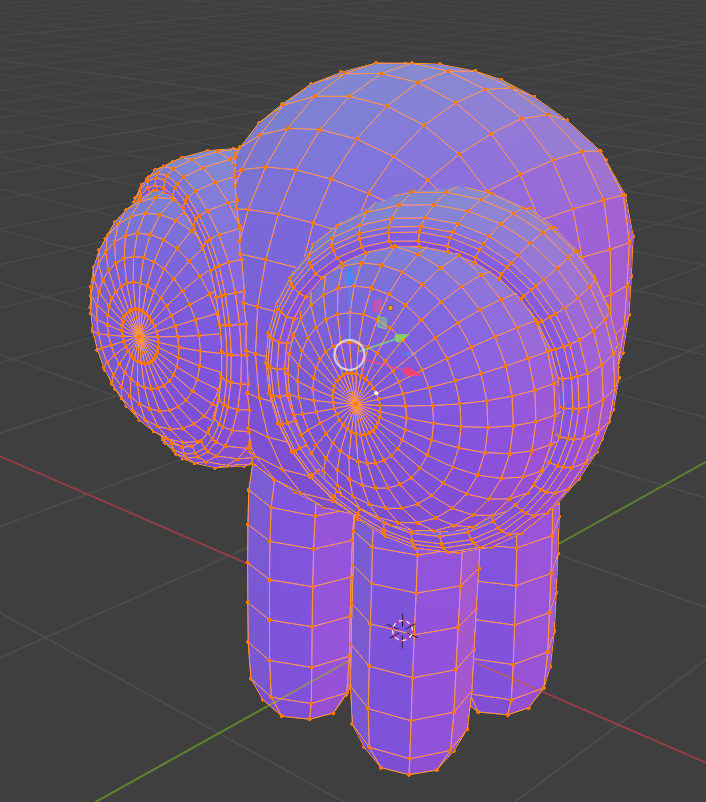
Fixing bad normals orientation
Source: here
The fix:
Display the normals to check any errors:
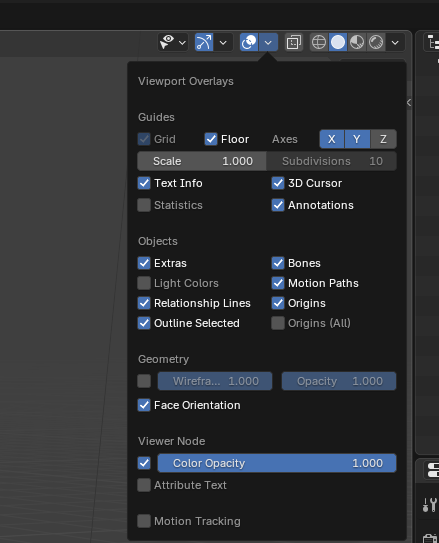
- Viewport Overlays
- Check
Face OrientationThen: - tab in edit mode
- select all (or specific faulty zones)
- Shift + N: recalculate normals
- or in the menu: Mesh > Normals > Recalculate Outside > Recalculate Normals
Some pictures
The bad boy
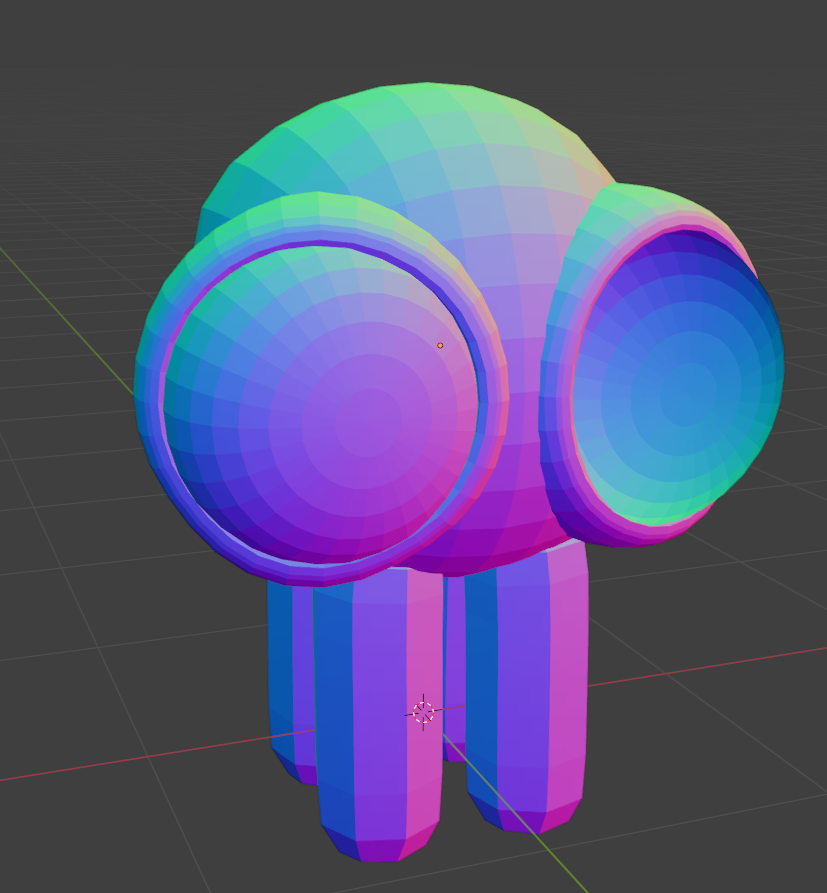
You can see the faulty normals

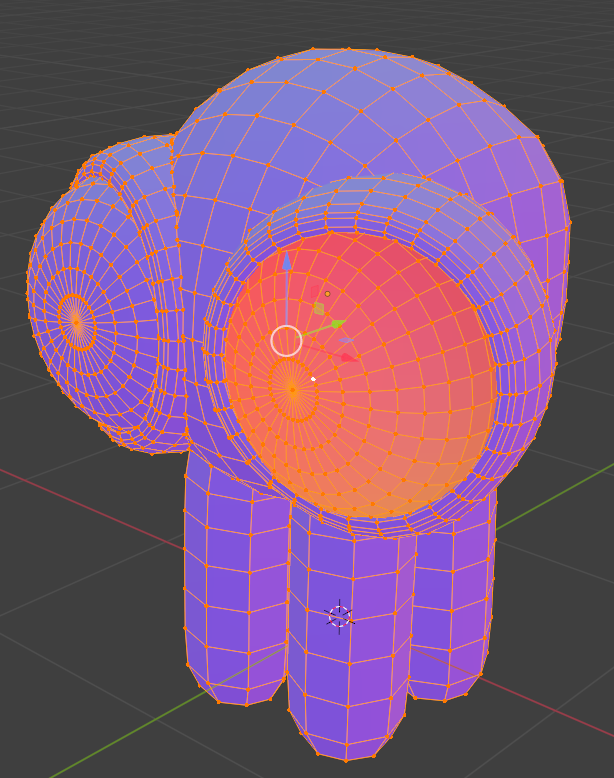
And now its fixed